Overcoming the “Shoveling in a Snowstorm” Trap to Create Content That Actually Keeps Up
When you think of a training solution for enablement, you might imagine recording a video, publishing it, and ticking “done.”
But what happens when every time you finish, the product, the process, or the tool has already changed?
That’s when training stops being a departmental asset and becomes a liability.
The Trap Every Enablement Team Falls Into
Enablement teams have big responsibilities: onboarding, documenting workflows, maintaining SOPs, supporting tools across the organization.
Most teams still use manual content-production tools — screen recordings, slide decks, one-off videos — and think: “It works for now.”
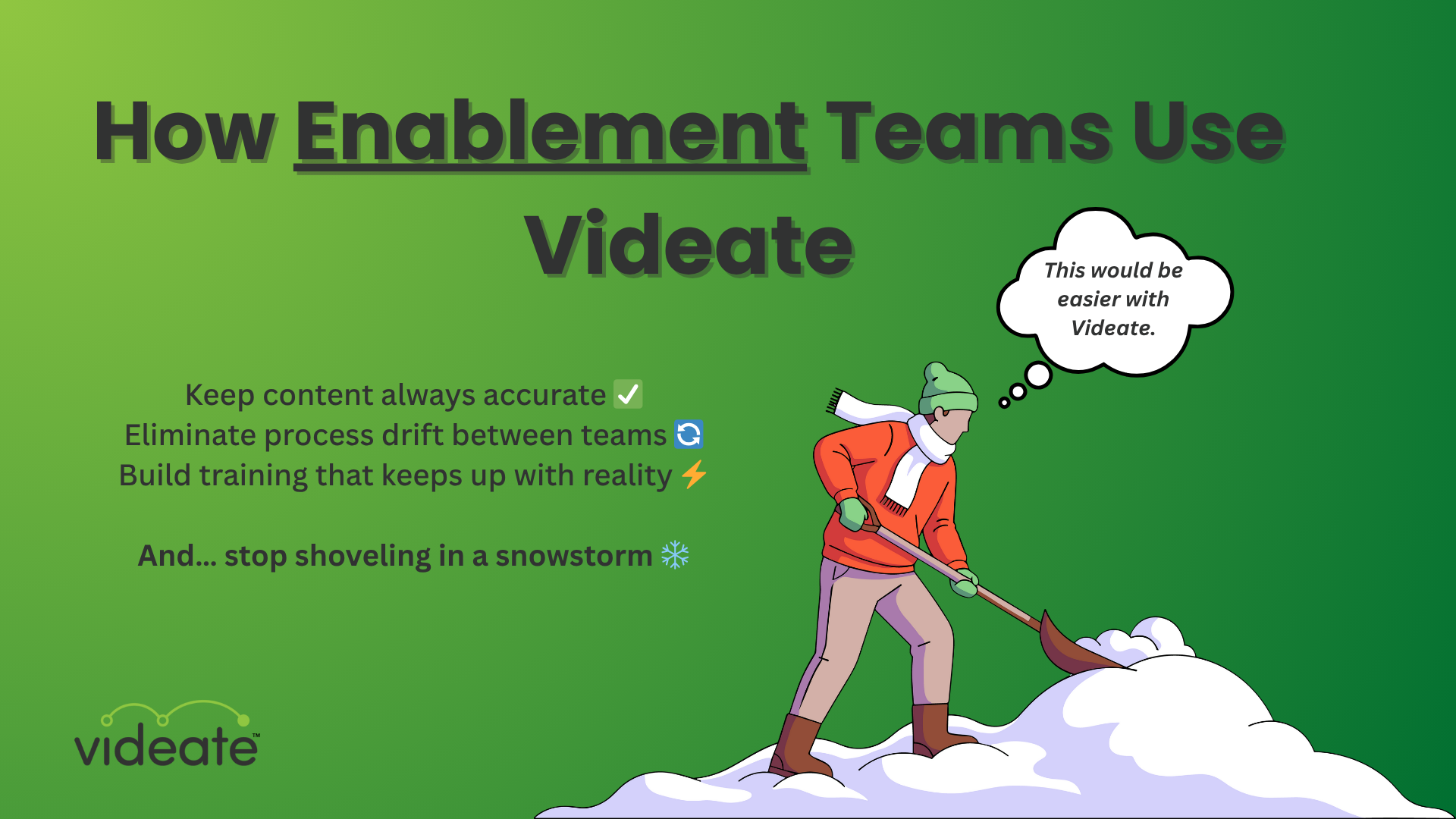
But here’s the catch: Manual content maintenance is the equivalent of shoveling a parking lot during a snowstorm.
You can get it clean today —
but tomorrow it’s covered again —
while the team with a snowplow finishes and moves on.
You’re not fighting big updates.
You’re fighting constant change.
The Real Culprit: Slope vs. Steps
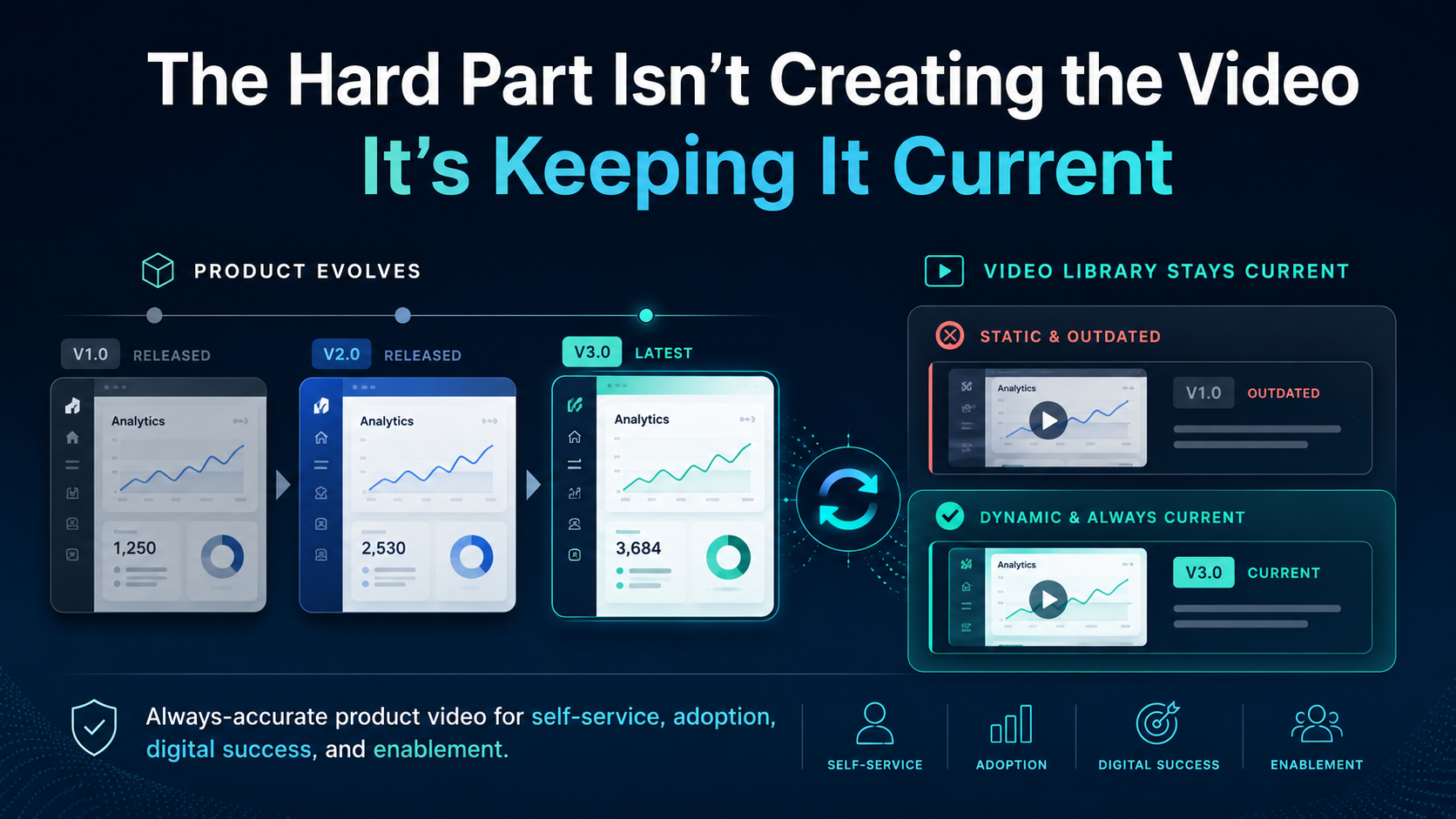
Most teams treat change like a step – “fix this module next quarter,” “re-record after the next release.”
But SaaS companies move on a slope — continuous shifts, tweaks, new fields, altered workflows, updated tools.
One new approval path.
A changed dropdown.
A new tool in the stack.
A minor process tweak.
They add up.
When you keep treating those shifts like “one-off steps,” you end up always reacting.
Nothing ever stays current.
You’re forever behind.
The Paradigm Shift: Change-Ready Content
Here’s where Videate flips the script:
1. Incremental updates instead of rebuilds
Something changed? Update just that one step. Regenerate narration. Republish in minutes.
No scrap. No rebuild. No endless shoveling.
2. One system for every SaaS tool in your stack
The training ecosystem isn’t just one app. From CRM to HR to expense reporting to internal portals — enablement touches everything.
Videate enables video SOPs across all of them, without building a new library each time.
3. Content that evolves instead of expires
Your training is no longer disposable. It’s living.
It moves with your org, not behind it.
What That Means for Enablement Teams
By switching to change-ready content, enablement teams move from firefighting to strategy:
-
Less time spent racing to rebuild training
-
Ramp time improves because training matches reality
-
Fewer outdated videos = fewer questions, fewer errors
-
Consistent training across tools and teams
-
Enablement finally drives performance rather than maintenance
The Results You Can Expect
Enablement teams leveraging adaptive tooling like Videate typically see:
-
Major drop in content decay
-
Faster update cycles
-
Broader coverage of tools and workflows
-
More strategic bandwidth freed up
This isn’t just going faster—it’s stopping the endless cycle of re-work and staying ahead.
Why This Matters Across the Organization
Enablement is the engine that supports:
What You Should Do Next
-
Audit your current training library: how often is it out of sync?
-
Shift your mindset: move from “build once” to “build always.”
-
Evaluate tools that detect change, support incremental updates, and scale across your stack.
-
Redeploy time you free up into higher-impact initiatives: deeper curricula, global rollout, new tool coverage.
Stop shoveling.
Start plowing.